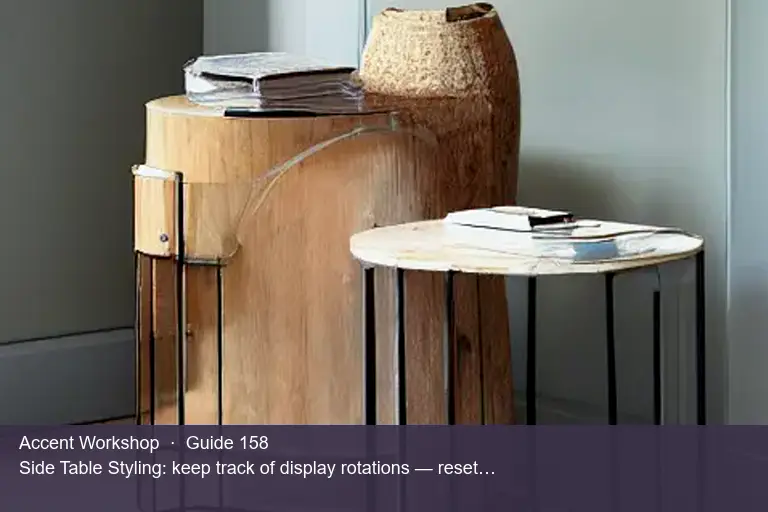
Side Table Styling: keep track of display rotations — reset routine for a temporary arrangement; setup for a weekend project
When you have a temporary arrangement for your side table, keeping track of display rotations can be a tricky task. In the midst of a busy weekend, you might find yourself trying to fit in an unexpected display, and the side table feels like it’s out of place. This can be frustrating, but it’s important to keep track of display rotations to ensure you’re not forgetting what’s on display.
Here’s how you can keep track of display rotations for your side table:
Step 1: Choose the right display type The first step is to choose the right display type for your side table. It’s important to choose a display that fits the purpose of your project, whether it’s a calendar, a calendar, a calendar, or a calendar.
Step 2: Choose the right display type Once you’ve chosen the right display type, it’s time to choose the right display type.
Step 3: Display rotation To keep track of display rotations, you need to display rotations. It’s important to display rotations for each display type so that you know how many times each display type has been used.
Step 4: Display rotation Display rotation is important because it ensures that you’re not forgetting what’s on display. If you don’t display rotations, you may end up forgetting what’s on display, which can be frustrating.
Step 5: Display rotation Display rotation is important because it ensures that you’re not forgetting what’s on display, which can be frustrating.
Step 6: Display rotation Display rotation is important because it ensures that you’re not forgetting what’s on display, which can be frustrating.
Step 7: Display rotation Display rotation is important because it ensures that you’re not forgetting what’s on display, which can be frustrating.
Step 8: Display rotation Display rotation is important because it ensures that you’re not forgetting what’s on display, which can be frustrating.
Step 9: Display rotation Display rotation is important because it ensures that you’re not forgetting what’s on display, which can be frustrating.
Step 10: Display rotation Display rotation is important because it ensures that you’re not forgetting what’s on display, which can be frustrating.
In summary, keeping track of display rotations for your side table is a crucial task that can help ensure that you’re not forgetting what’s on display. By choosing the right display type, displaying rotations, and displaying rotations, you can keep track of display rotations for your side table, ensuring that you’re not forgetting what’s on display.