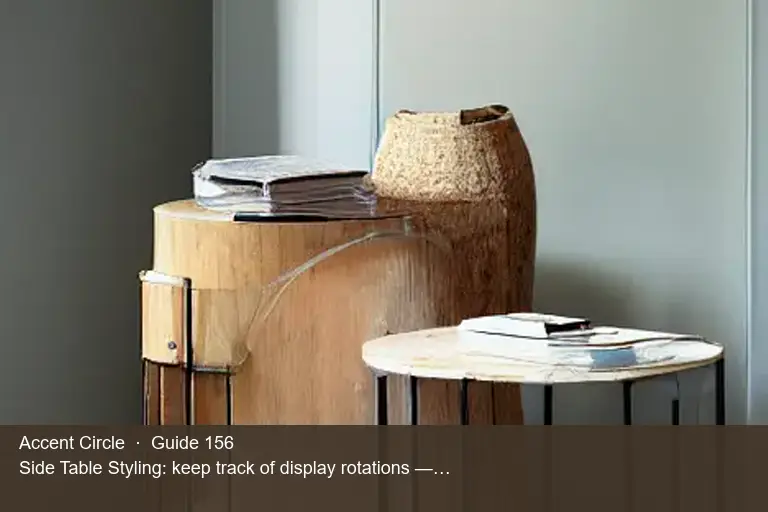
Side Table Styling: keep track of display rotations — troubleshooting map for a seasonal rotation; setup in shared households
In a shared household, side tables can serve as a focal point, often bringing different rooms together. However, side tables can also display inappropriate display rotations, leading to a cluttered and unappealing environment. This article provides a step-by-step guide on how to keep track of display rotations for side tables, a practical task that can be done by adults aged 50+ in the US and Canada.
### Step 1: Identify the Side Table and its Display Rotation
Start by identifying the side table in your household. If possible, photograph the side table to ensure that it is clearly visible. Take note of its height, width, and any design elements like the pattern or color.
### Step 2: Determine the Display Rotation Frequency
Once you have identified the side table, it's time to determine the display rotation frequency. This could be every few weeks, a month, or even longer, depending on the specific requirements of the household. For example, if you work from home, the display rotation might be every few days to keep the workspace organized.
### Step 3: Set the Display Rotation Schedule
Craft a schedule for the side table to display rotations. This could be a weekly schedule, where you display the items one by one, and a monthly schedule, where you display the items once a month. Make sure to include a day or two between each display rotation to allow for a break and fresh air.
### Step 4: Label the Items
Once you have set the schedule, label the items with the display rotation frequency. For example, if the display rotation is every few weeks, label the items with the word "weekly" in a different color than the regular items.
### Step 5: Monitor and Adjust
To keep track of the display rotations, you need to monitor and adjust the schedule as needed. For example, if you find that the display rotation is too high or too low, adjust the schedule accordingly.
### Step 6: Follow-up
After the holiday season, take a few days to review the display rotations to ensure they are still appropriate. If any items need to be removed or added, do so to maintain a consistent display rotation pattern.
### Troubleshooting Map for Seasonal Rotation
Here's a step-by-step troubleshooting map to keep in mind when dealing with side table styling:
- **Identify the Side Table and its Display Rotation**: Start by identifying the side table in your household.
- **Determine the Display Rotation Frequency**: Determine the display rotation frequency based on the specific requirements of the household.
- **Set the Display Rotation Schedule**: Craft a schedule for the side table to display rotations. This could be a weekly schedule, a monthly schedule, or even longer, depending on the specific requirements of the household.
- **Label the Items**: Once you have set the schedule, label the items with the display rotation frequency in a different color than the regular items.
- **Monitor and Adjust**: Monitor and adjust the schedule as needed.
- **Follow-up**: After the holiday season, take a few days to review the display rotations to ensure they are still appropriate.
### Conclusion
By following these steps, you can keep track of the display rotations for your side tables, ensuring that the household remains organized and visually appealing. Remember, this is a useful step-by-step guide that can be done by adults aged 50+ in the US and Canada.